Light and glass
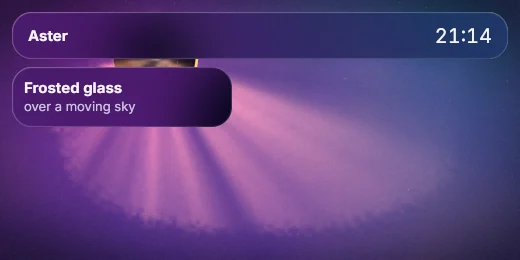
Frosted panels over a moving night sky.
Only what moves is redrawn: one scripted step takes about 0.2 ms (WebAssembly under Node).

A UI TOOLKIT THAT DRAWS EVERY PIXEL
Describe your app's screens in Rust, C, Node.js or .NET. Aster draws every pixel itself, on the processor, so the app looks and works the same on Windows, Linux, Android TV and the web, where it takes mouse and keyboard for now.
let root = col([
    heading("Hello, Aster", "one screen, rendered on the CPU"),
    row([stat("Frames", "1"), status("Healthy", Role::Success)]).gap(4),
])
.gap(4)
.pad(6);
Screen::new(&Theme::mission_dark())?
    .size(480, 220)
    .scale(2.0)
    .render(&root)?
    .png(&out)?;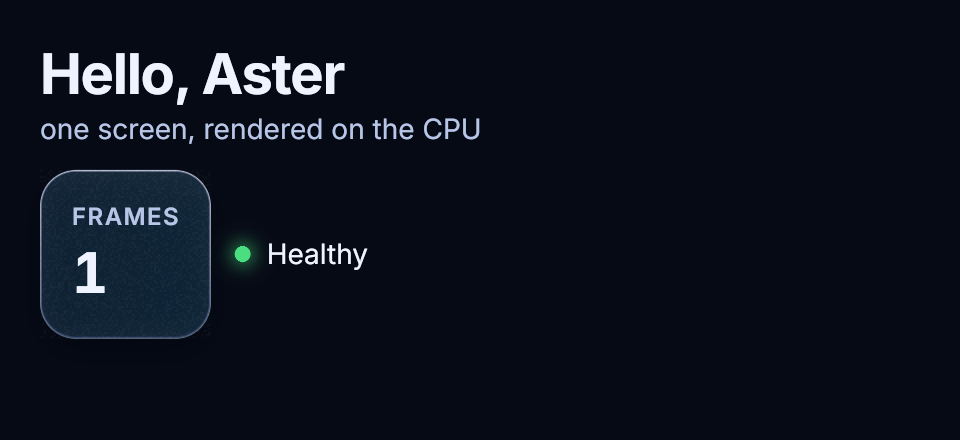
Aster's native build and its WebAssembly build draw the same frames, byte for byte: 976 of 976 in our check, run under Node.
It draws on the processor, so it runs on build servers and TV boxes with no GPU drivers to manage.
Render any screen without a display, read back every label and press buttons by name, from a test or an AI agent.
A speed-ramped run through the five films below: 3D type over a live dashboard, glass that refracts the page, physics on the layout, Aster native and WebAssembly side by side, and the tagline. Every picture comes from Aster frames; the fast stretches blend several frames into one, and ffmpeg only compressed the result.
Short films rendered by Aster, every frame on the CPU, then compressed to video. Hover or press play.
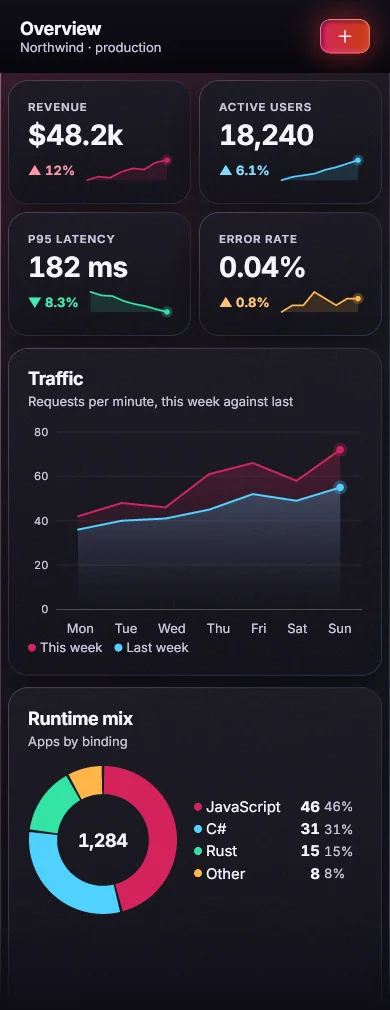
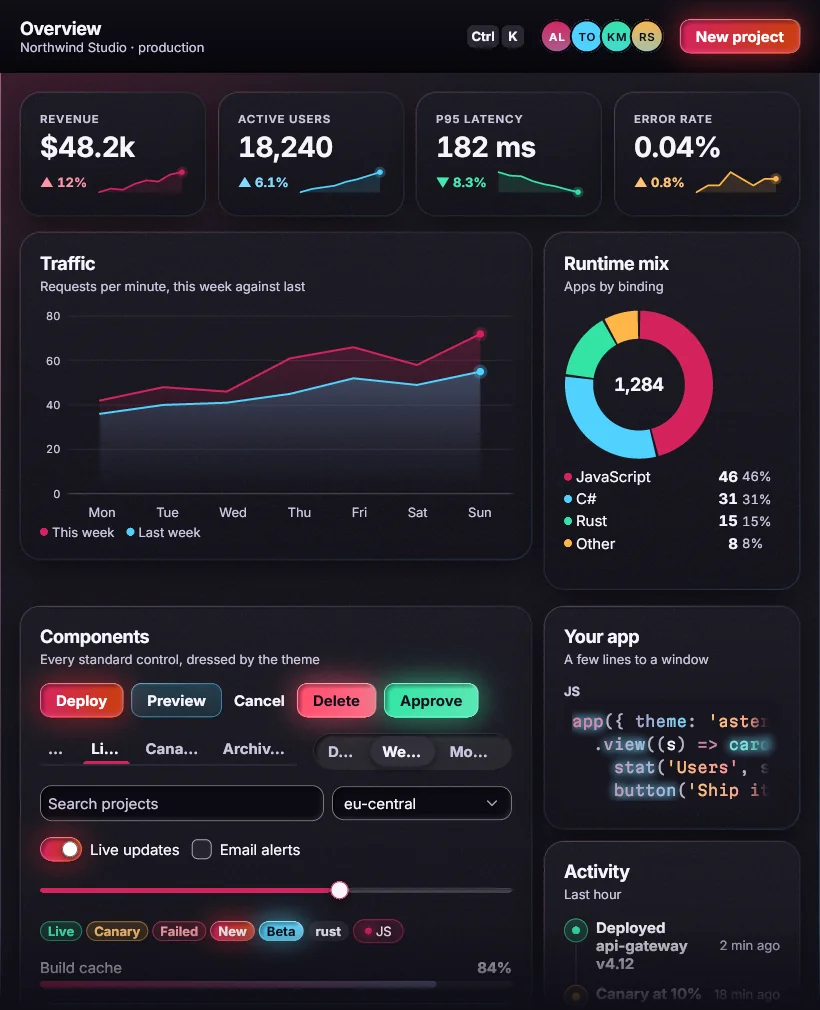
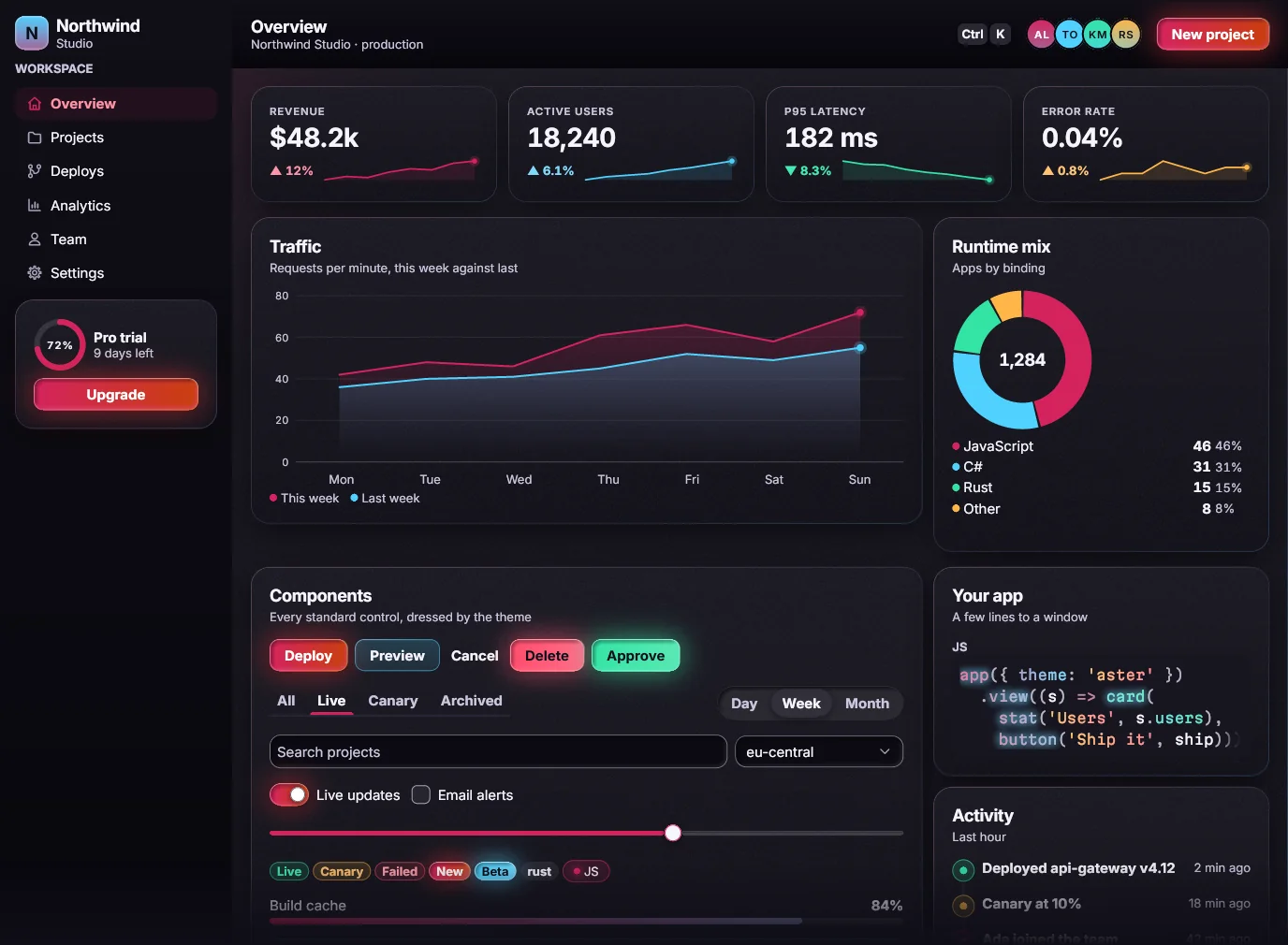
Drawn by AsterEvery pixel here, text and shadows included, was drawn by Aster on the processor.
Light, motion, charts and text, all from one toolkit. Nothing to bolt on.
Frosted panels over a moving night sky.
Only what moves is redrawn: one scripted step takes about 0.2 ms (WebAssembly under Node).
Smoke that follows the pointer.
A real fluid simulation, on the processor.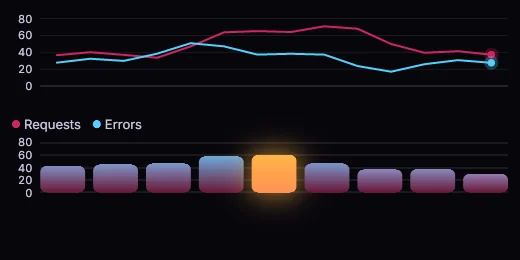
Line and bar charts that move with the data.
Eleven chart kinds. No chart library.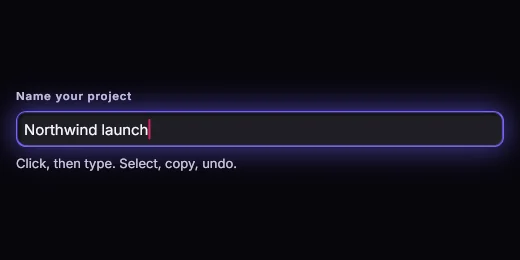
Type, select, copy, undo.
A keystroke drawn in about 2 ms.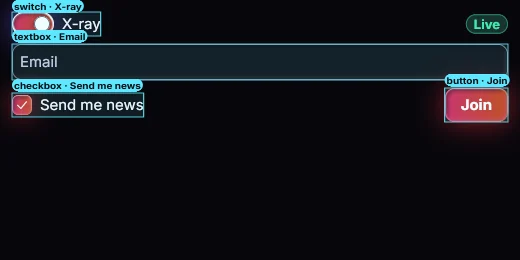
X-ray shows the name and role behind every control.
Contrast checked on every screen, in every theme.One toolkit, six ways in.
Beautiful screens on small devices. No graphics card needed.
When nothing moves, nothing is drawn.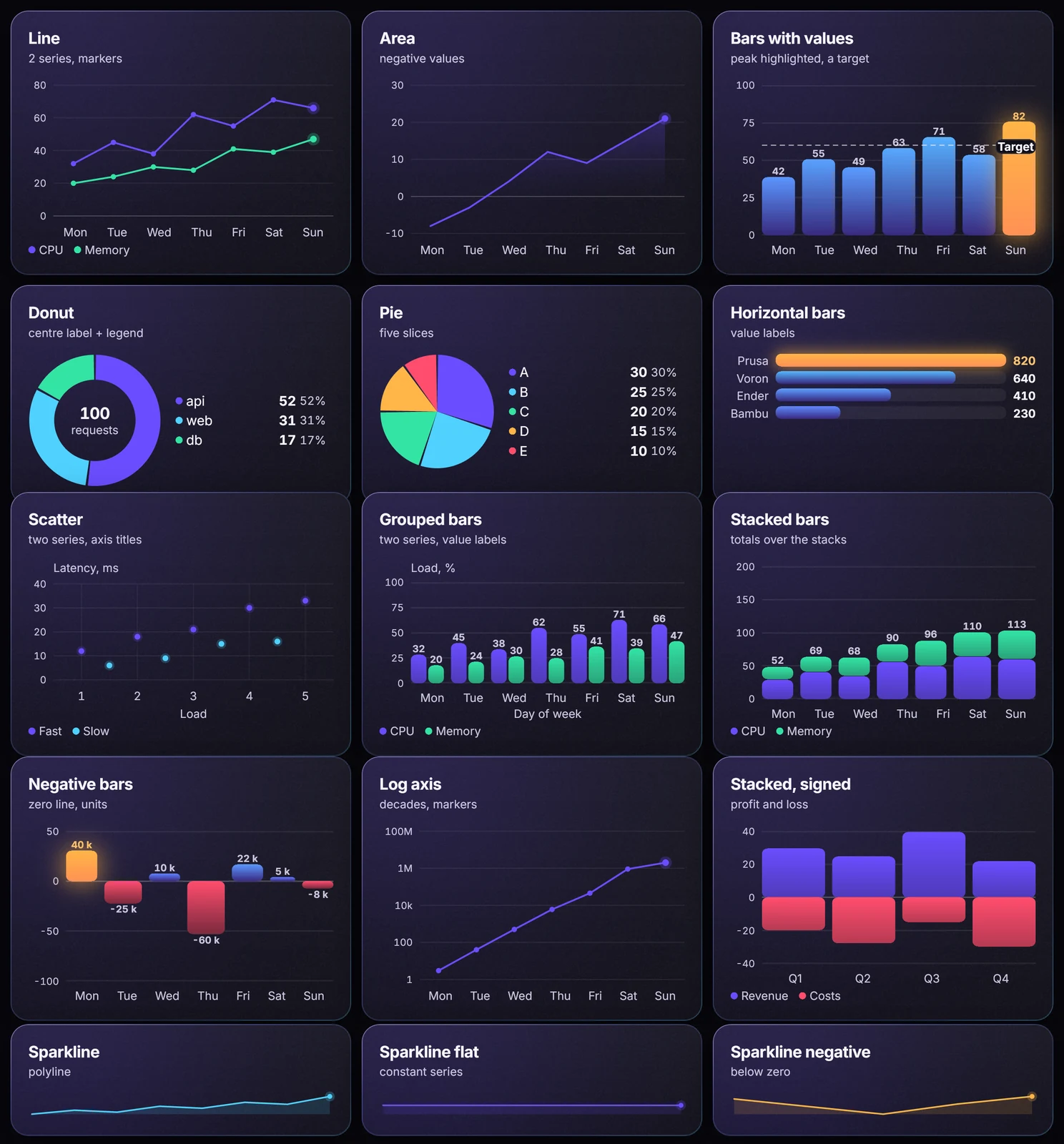
One file in the browser. The same frames as the desktop build.
About 2.6 MB brotli, one file.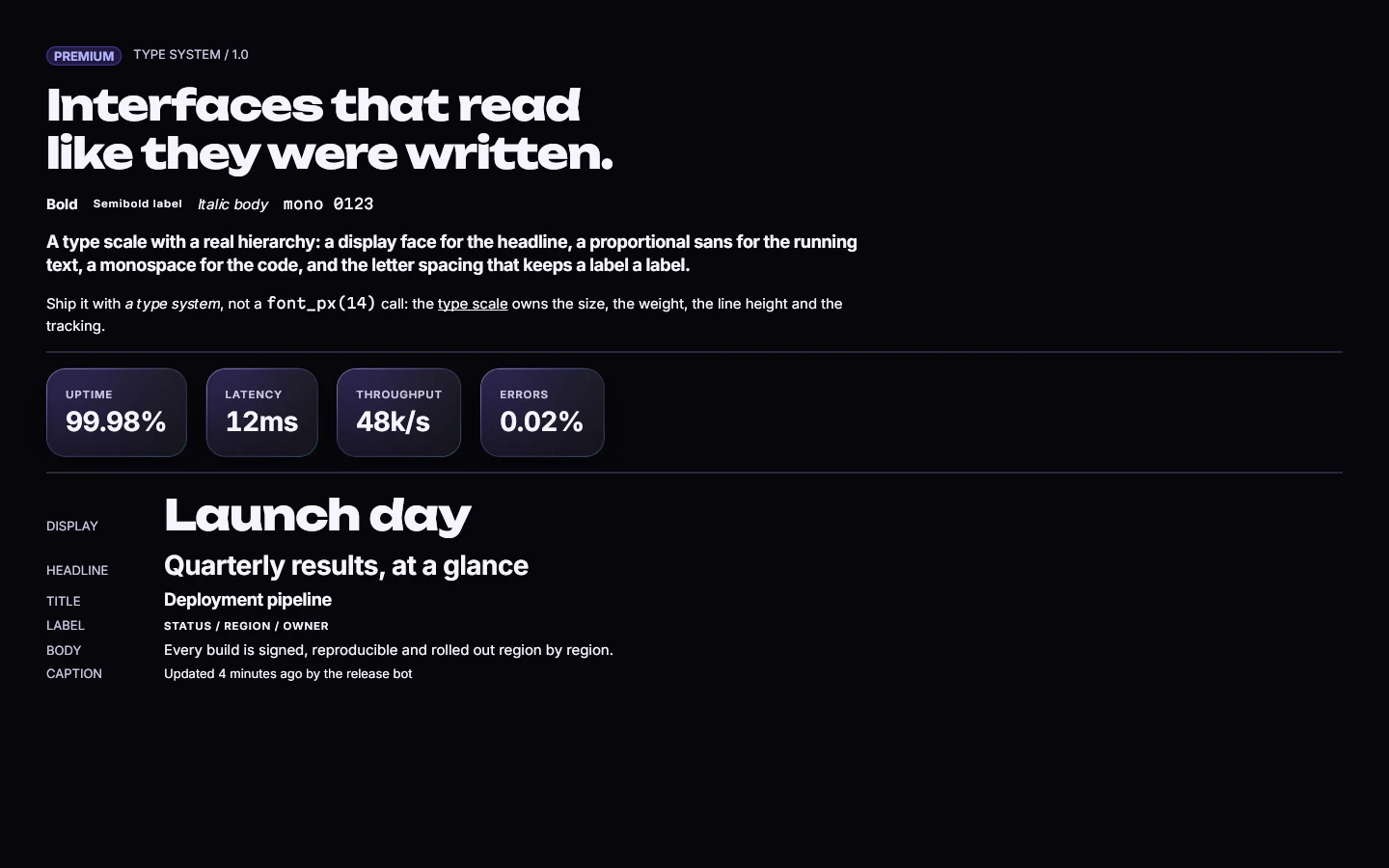
What you design is what ships.
Every label 4.5:1 or better, in every state.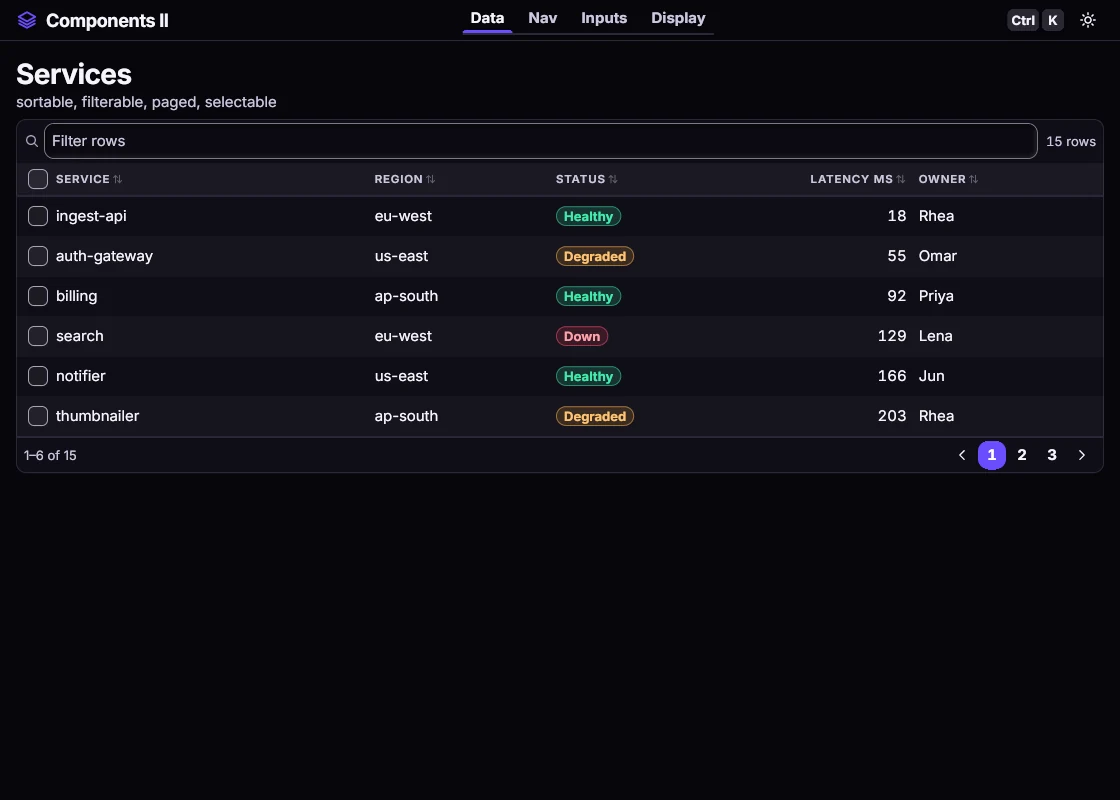
A native window, no browser inside. From Rust, C or C++.
Windows 11 and Linux, with the system clipboard.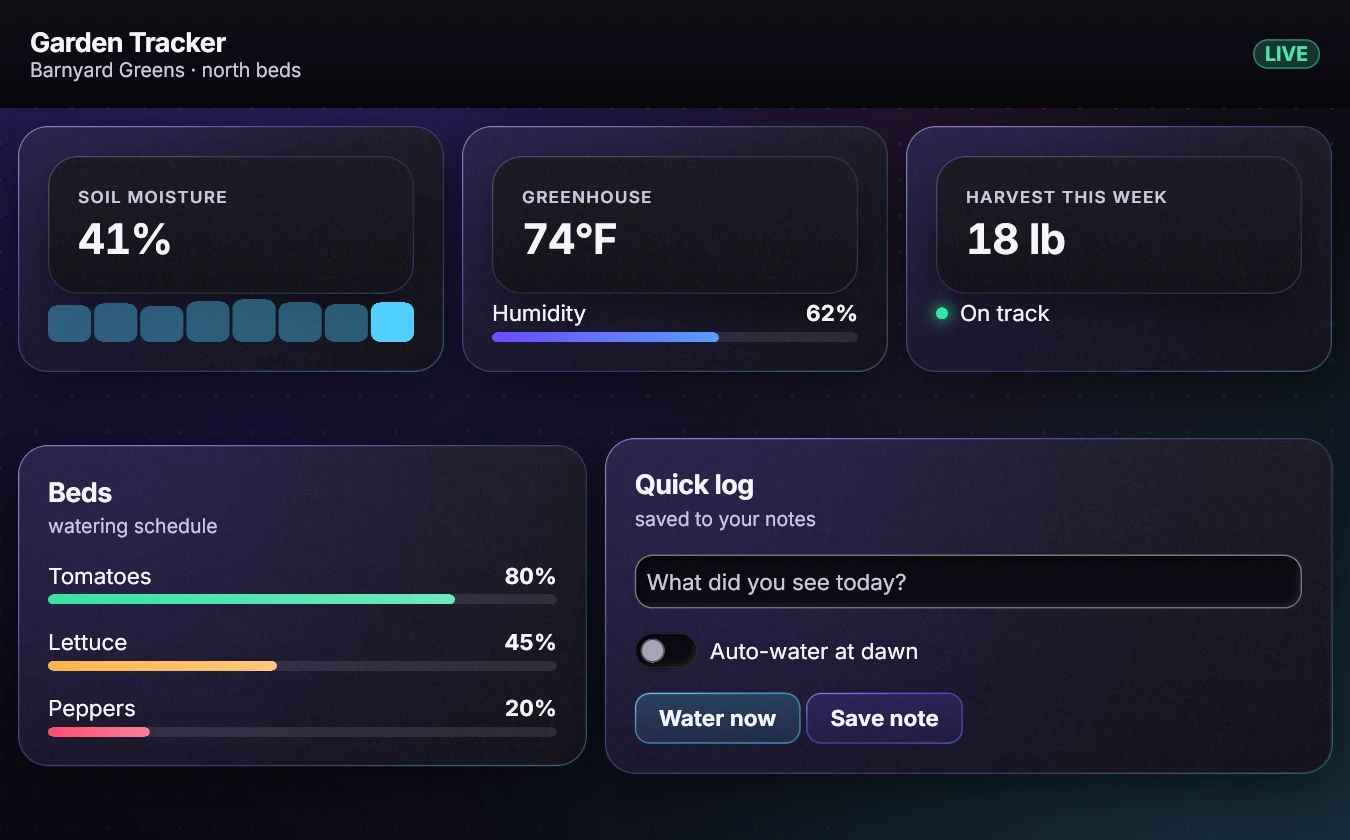
Build a screen, see it, test it. No browser needed.
No window, no browser, no graphics card.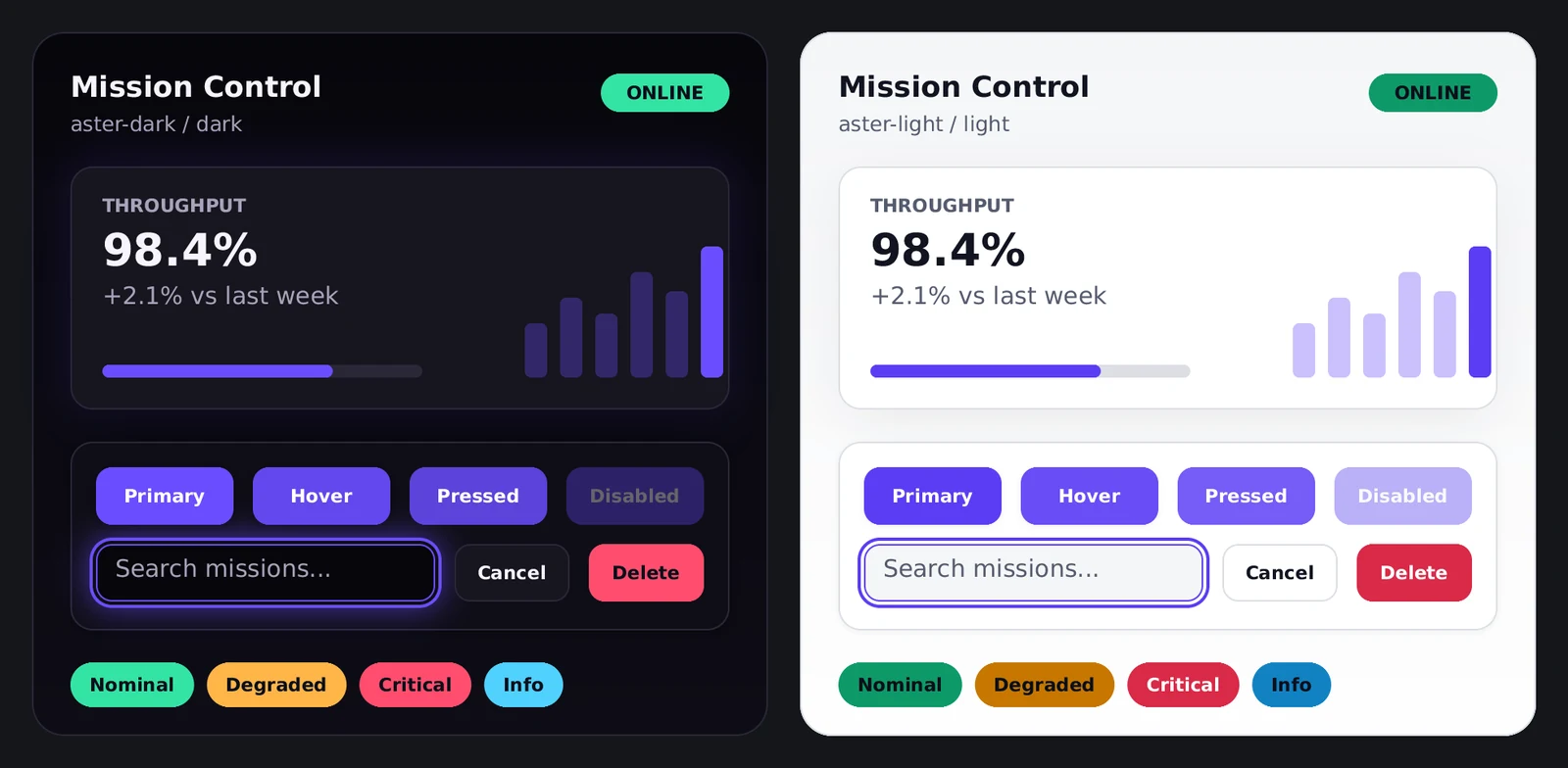
SDK and examples MIT licensed. Every dependency listed and checked.
0 outside packages in the drawing core.Checked on real machines.
About 2.6 MB brotli
One download runs everything, fonts included. It imports nothing.
The drawing core uses no outside code and contains no file or network code (by source scan).
Laptops to servers, graphics card or not.
Headless, windowed, graphics card or not.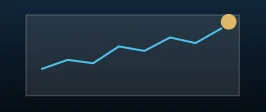
Windows 11.
A native window, tested on Windows 11 x64.
A small streaming box.
Four 32-bit ARM cores. No graphics card needed.
Desktop browser engines, checked headless.
In two desktop browser engines, the web build draws the same pixels as the desktop build.
Software graphics only.
Runs with no graphics card at all.A graphics card is optional. The processor is the default, and the fallback.
Apps that already use Aster, shown with their own screens.