An internal tool in one file
A small team writes its ops dashboard as one JavaScript file. In CI, the same file renders a picture of every screen to check each change.


FOR DESKTOP APP DEVELOPERS
Aster draws your whole interface on the processor, in a native window on Windows and Linux. Call it from Rust, C or C++.
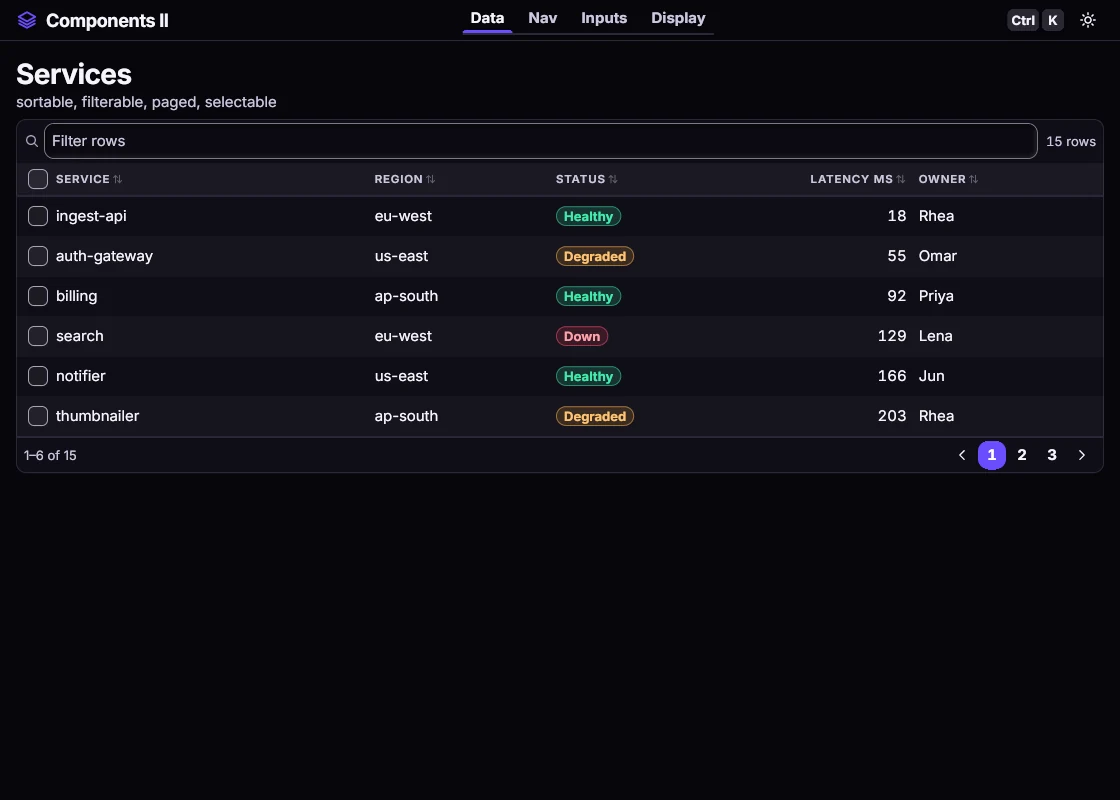 Drawn by Aster
One small library. It draws everything itself.
Windows 11 and Linux, with the system clipboard.
Only what changes is redrawn, and at rest it sleeps. Big windows at 2x scale are the slow case.
Next to no processor time when nothing moves.Fonts are built in. No graphics drivers, no system fonts, no browser engine.
On Linux it links only the C runtime.Rust directly. C, C++ or anything that can call C, through one header. Node.js and .NET bindings too.
One C header, 25 functions.Aster is a UI toolkit that draws every pixel itself. There's no HTML or CSS.
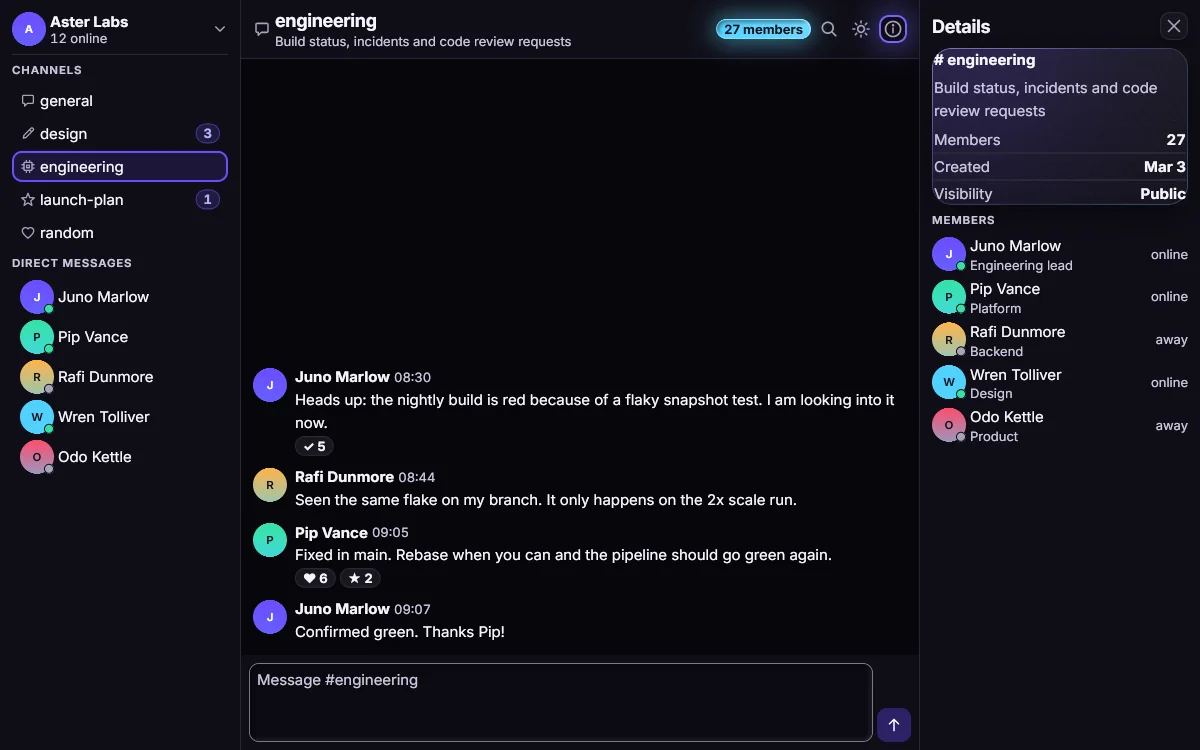 Drawn by Aster
Browser-based shells ship a browser engine with every app. Aster is one native library that draws the interface itself.
Some native toolkits can draw without a graphics card too. Aster also draws the same pixels in the browser, from the same Rust code.
A small team writes its ops dashboard as one JavaScript file. In CI, the same file renders a picture of every screen to check each change.
Our own Markdown viewer and editor is built on Aster. It runs on Windows and Linux.
A Rust tool draws its panels with Aster into a plain pixel buffer, then shows them its own way, as a texture or in its own window.