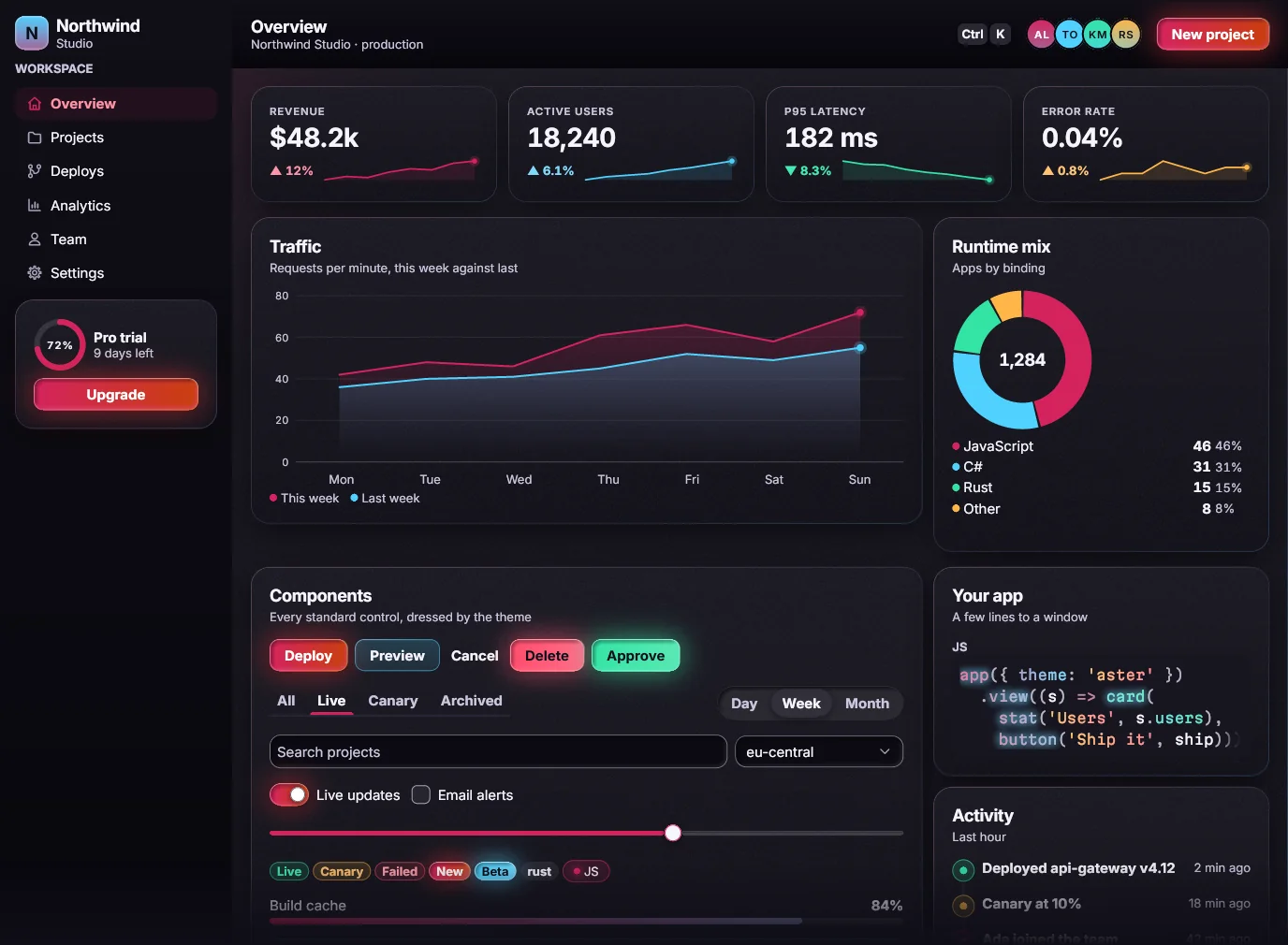
Every element is described
Buttons, switches, sliders and fields each report their name, role, state and place on screen.


Accessibility
Aster knows the name, role and state of everything it draws, and checks every screen for contrast.
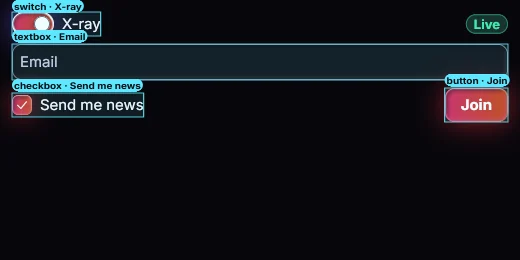 Drawn by Aster
X-ray mode outlines every control with the role and name Aster reports for it.
Buttons, switches, sliders and fields each report their name, role, state and place on screen.
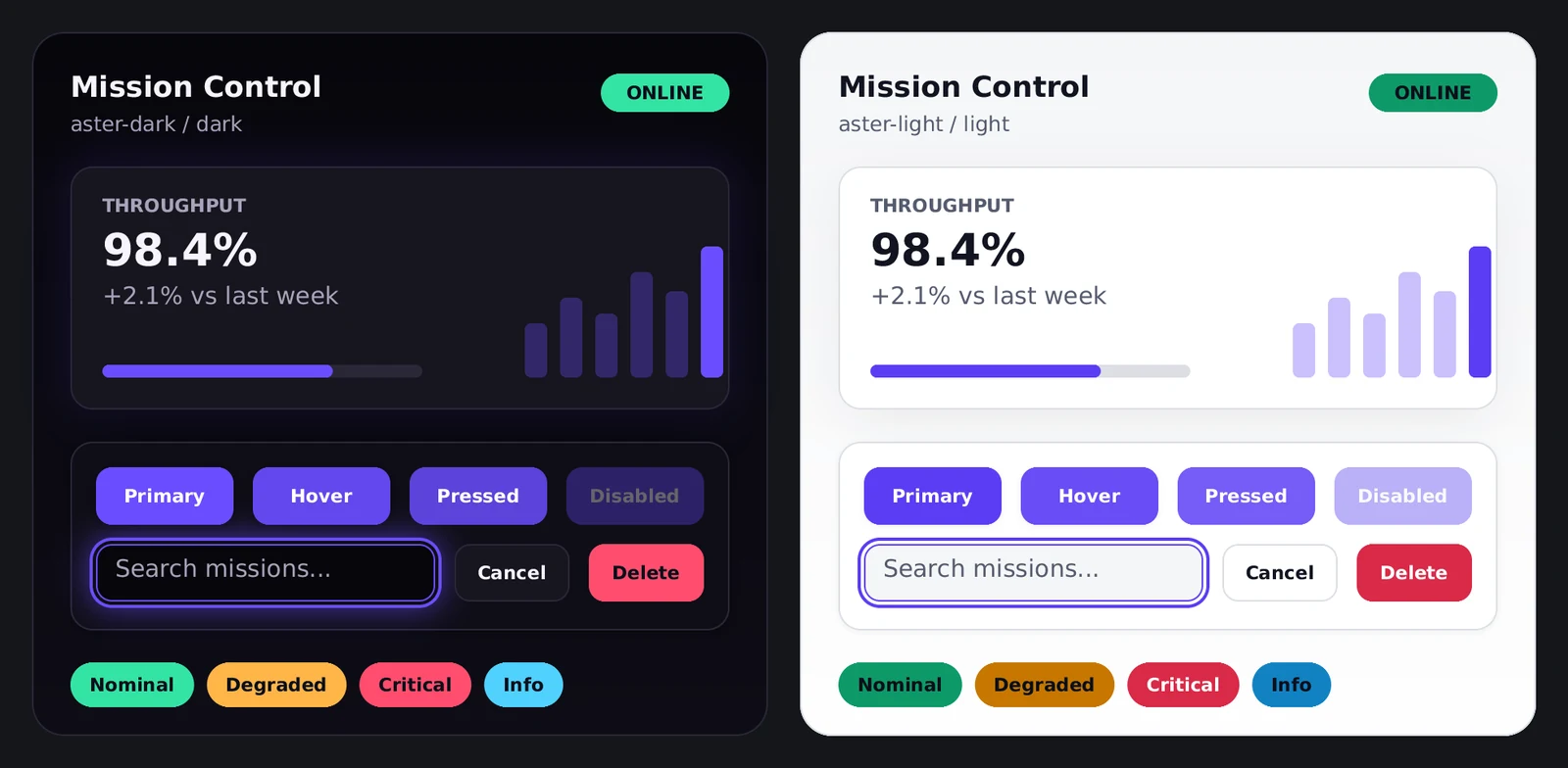
An automatic check runs on every screen in every theme. Hover and press never make a label hard to read.

A clear focus ring, and no keyboard traps: Ctrl+Tab always moves on.
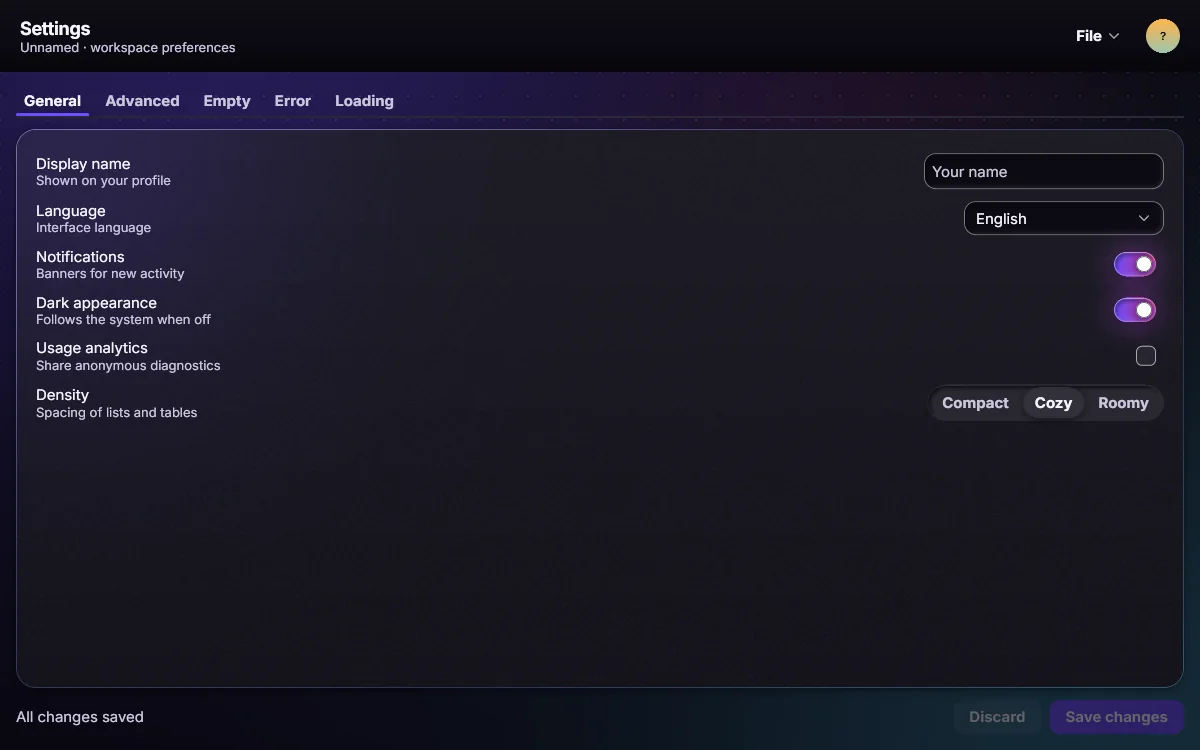
Increased contrast, reduced motion, reduced transparency and larger text all apply on their own.
Password fields never appear in what assistive tools can read.
Each claim on this site names the file in the repository that proves it.